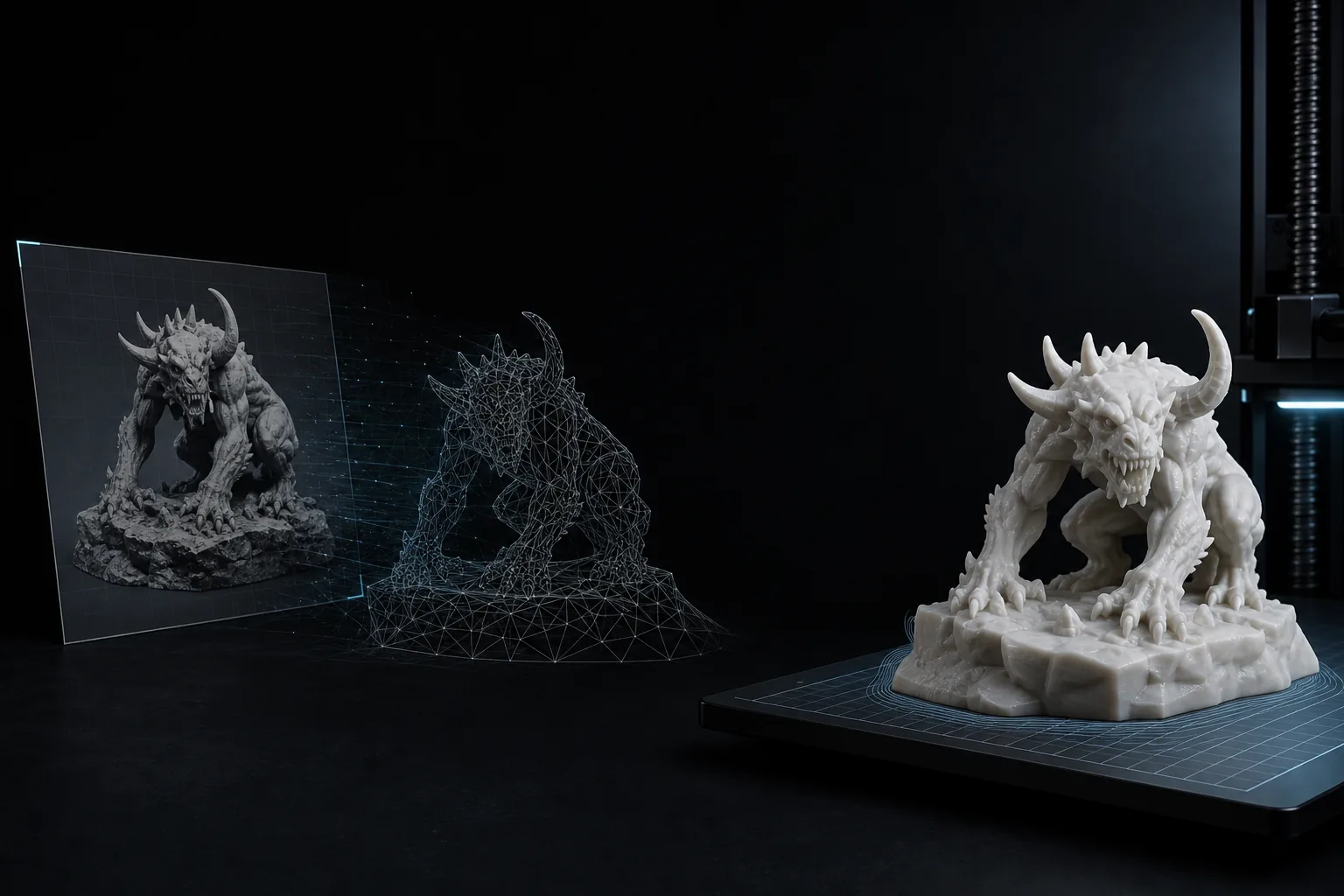
3D Printing Concepts
Turn a short text prompt into a printable 3D model draft. Use geometry mode when you care more about shape, silhouette, and STL export than surface color.
Describe an object and generate a 3D model you can preview online and export as STL for 3D printing workflows.
Ready to generate
Describe an object to create your STL model.
Prompt to 3D
Generate a 3D model from a written text description.
STL export
Download STL after previewing the generated model.
Geometry or PBR
Choose print-focused geometry or textured 3D output.
Start from a description when you do not have a photo, sketch, or reference image ready.
Turn a short text prompt into a printable 3D model draft. Use geometry mode when you care more about shape, silhouette, and STL export than surface color.
Generate tabletop props, toy concepts, miniature accessories, signs, tokens, and simple decorative parts from natural language prompts.
Use text to 3D for early asset ideation, then export GLB, STL, or other supported formats for Blender, game engines, or slicer review.
A direct path from text prompt to previewable model and STL export.
Write a clear prompt with the object type, style, material, proportions, and visible details. Single-object prompts usually work best.
Pick geometry mode for printable STL drafts, or generate textured output with optional PBR materials when appearance matters.
The AI creates a 3D model from your text prompt. Inspect the result in the browser before deciding whether to export or regenerate.
Export STL for slicing and 3D printing, or keep GLB and other supported formats for Blender, web viewers, games, or further editing.
A focused text-to-3D workflow for fast model creation, preview, and export.
Describe the object, shape, material, style, and important details. The AI text to 3D generator turns that prompt into a 3D model draft.
Use geometry-focused generation for clean white models that are easier to inspect before STL download and 3D printing cleanup.
Enable PBR materials when you need textured GLB output with richer color and surface detail for previews, games, or rendering.
Orbit the generated 3D model in your browser before downloading STL or another supported format for your next tool.
Export STL for 3D printing, GLB for web preview, or PLY and USDZ formats for standard 3D editors and AR workflows.
If a text description isn't precise enough, switch to Image to STL to convert your drawings, photos, or reference images directly.
Text to 3D generation uses AI to create a 3D model from a natural language prompt. Instead of starting with a photo or sketch, you describe an object such as a fantasy shield, a sci-fi crate, a replacement knob, or a tabletop miniature accessory. The text to 3D model generator estimates shape, volume, and surface detail, then produces a previewable 3D asset.
For ImgToSTL users, text to 3D is most useful when you have an idea but no image reference. It can create an early mesh for 3D printing review, rapid prototyping, game asset ideation, or Blender cleanup. If your final goal is physical printing, geometry mode and STL export are usually the most relevant options. If you need visual materials, textured output and optional PBR materials can help you evaluate color and surface direction before editing.
Prompt quality matters. Clear prompts with one main object, simple proportions, and specific material cues usually generate better 3D models than vague scenes. After export, always inspect scale, wall thickness, connected parts, and supports in your slicer or modeling tool before printing.
A text to 3D generator uses AI to turn natural language prompts into 3D models. You describe the object you want, then the system creates a model you can preview and export.
Yes. ImgToSTL is built around STL-oriented workflows, so generated 3D models can be exported as STL when the output is ready for download. Always check the model in a slicer before final printing.
They solve different problems. Text to 3D is useful when you only have an idea. Image to STL is usually better when you have a clear reference image, product photo, sketch, or multi-view input.
Use clear single-object prompts. Include the object type, shape, style, material, and important details. Avoid crowded scenes, many separate objects, or abstract descriptions when you need a clean printable mesh.
Geometry mode focuses on shape instead of surface materials. It is useful for STL export, 3D printing review, sculpting, and workflows where you plan to edit or texture the model later.
Enable PBR materials when you care about realistic previews, game assets, or rendering. Disable PBR for simpler print-focused geometry where STL output and mesh inspection matter more than textures.
We support STL for 3D printing, and GLB, PLY, or USDZ for textured 3D model previews, AR workflows, and 3D modeling software like Blender.
Generated models are useful starting points, but complex prompts may still need cleanup. Before printing, inspect scale, wall thickness, supports, non-manifold edges, and disconnected parts in your slicer or modeling tool.
Use a prompt when you do not have a reference image, or return to Image to STL for a more controlled visual input.