AI Image to STL Converter for 3D Printing
Turn a 2D image into a solid, printable STL file for 3D printing.
Drop or Click to Upload
Min resolution 128x128 pixels • Max 8MB
Ready to generate
Upload an image to create your STL model.
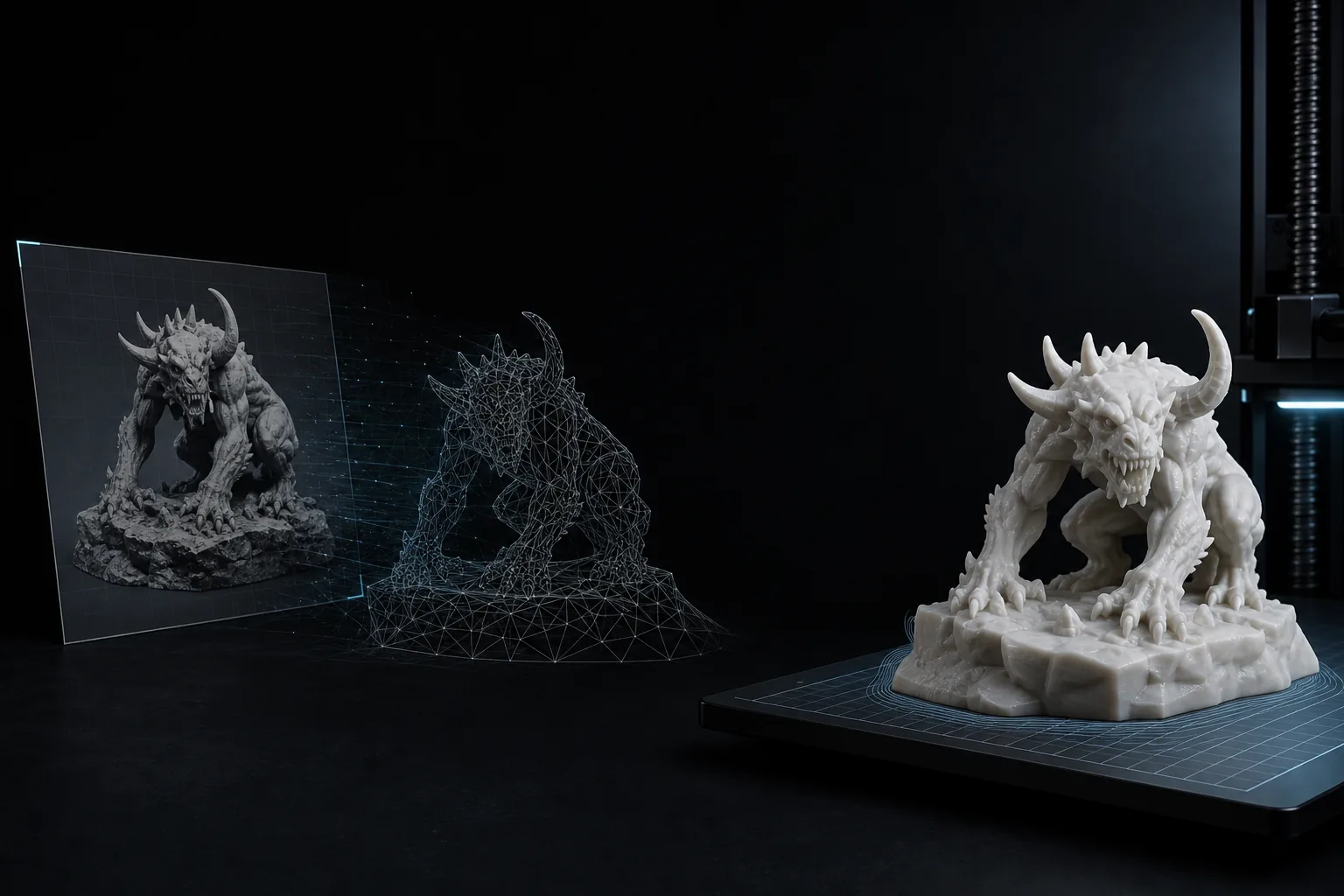
Printable asset examples
Source images paired with printable STL output.
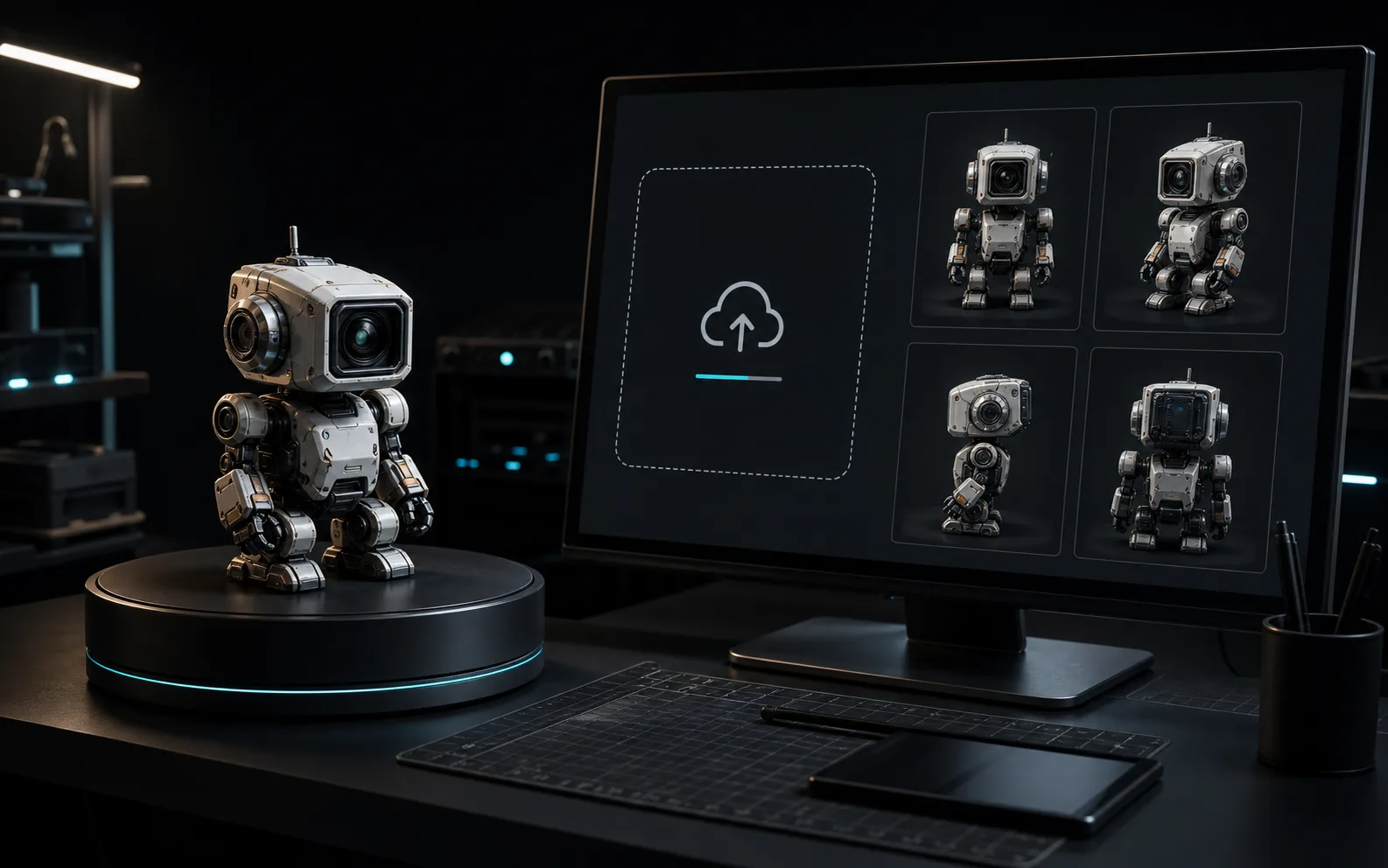
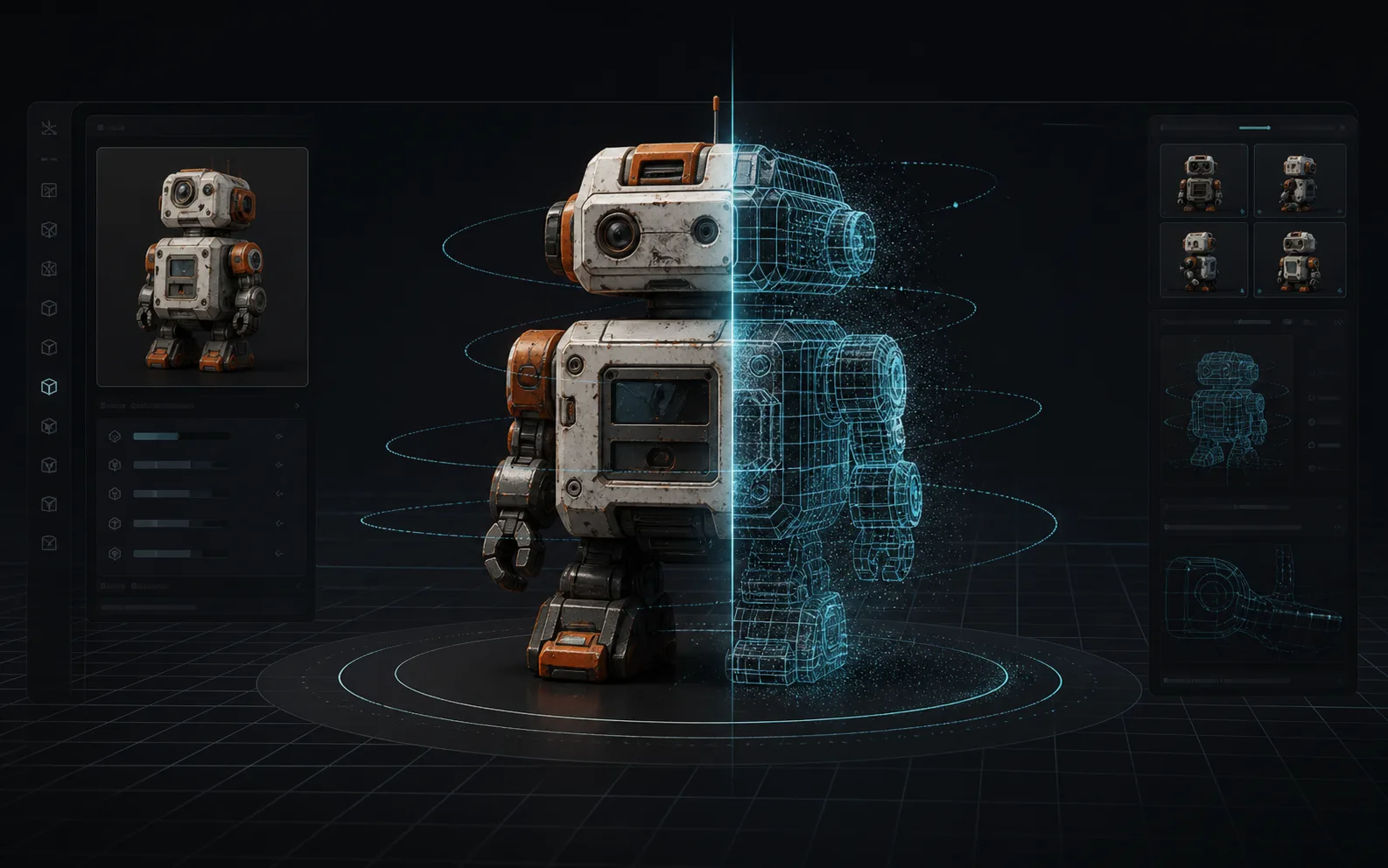
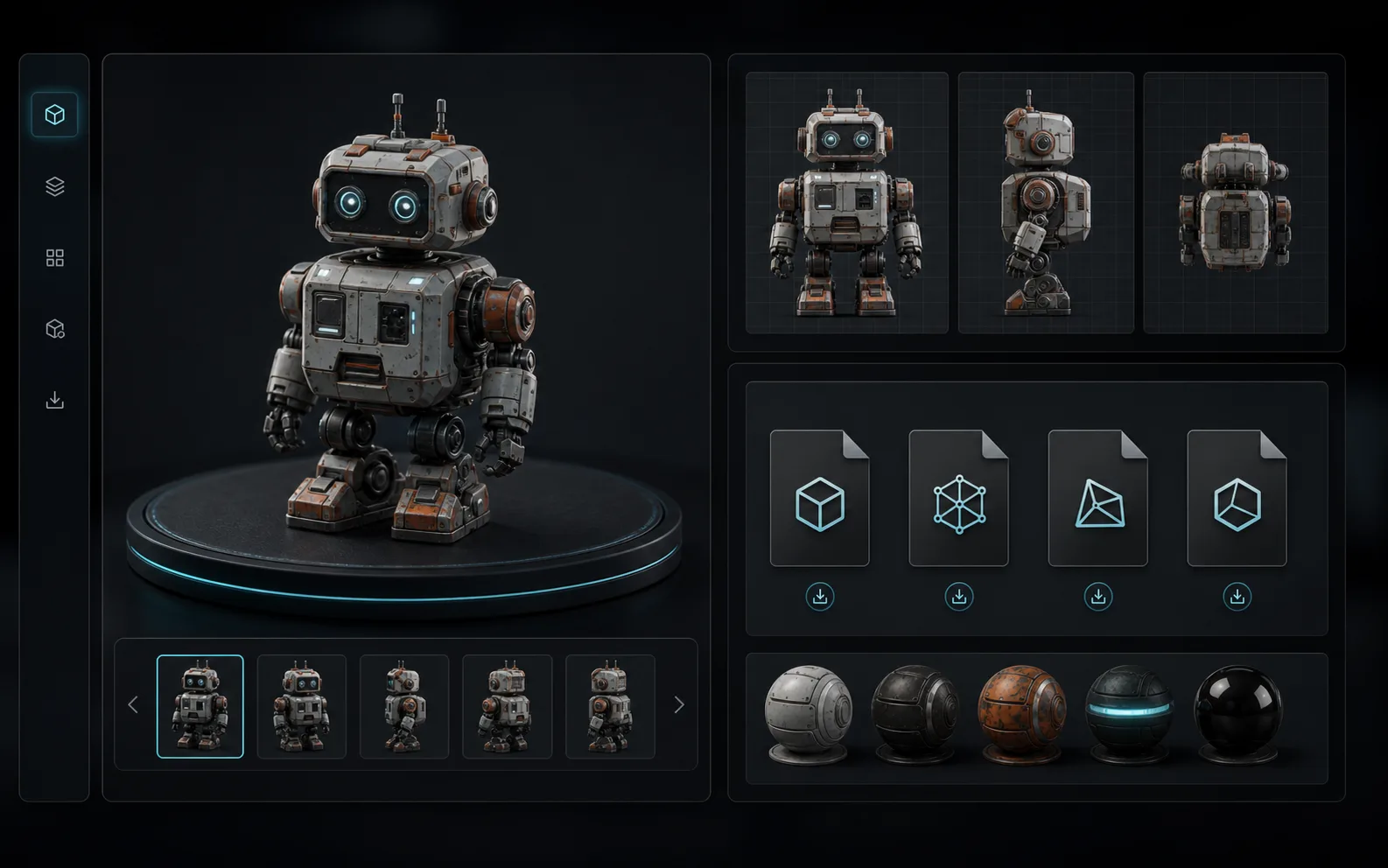
How to Convert an Image to an STL File in 3 Steps
Upload an image, create a 3D model, then download an STL file for 3D printing.
A Practical Image-to-STL Generator
Built for functional 3D printing, not just visual AI concepts.
AI Image-to-STL Generator
Use AI to turn flat images, photos, sketches, and concepts into printable 3D models.
Preview Before Download
Rotate and inspect your 3D model before downloading the STL file.
STL and More
Upload JPG, PNG, JPEG, or WebP inputs, then export STL and other 3D formats when needed.
Fast Iteration
Generate solid 3D model candidates quickly, allowing you to validate shapes and proportions before final printing.
What Can You Create With an Image to STL Converter?
Convert visual references into 3D assets for prototyping, hobbies, and production prep.
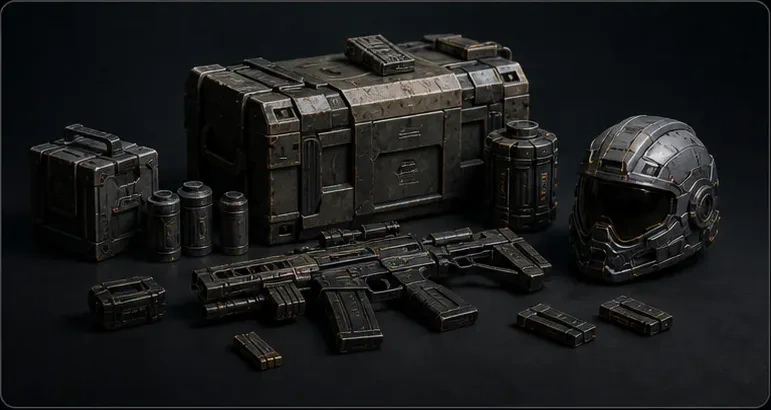
Miniatures & Tabletop Props
Turn reference art or character photos into a 3D starting model for figurines and tabletop props.
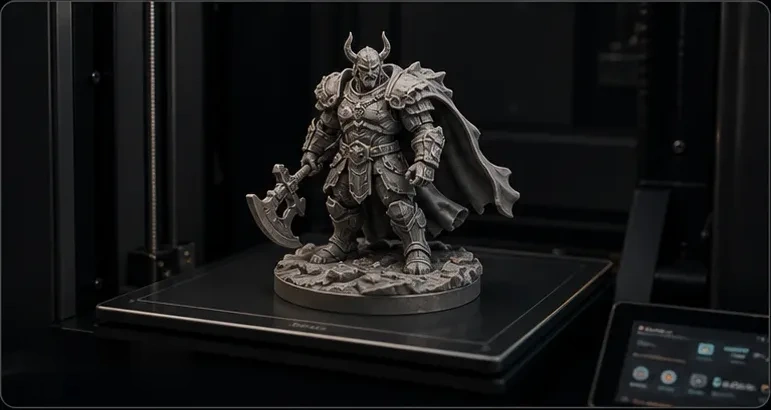
Photo to STL for Custom Parts
Convert photos of broken parts or 2D CAD sketches into STL models ready for slicing and printing.
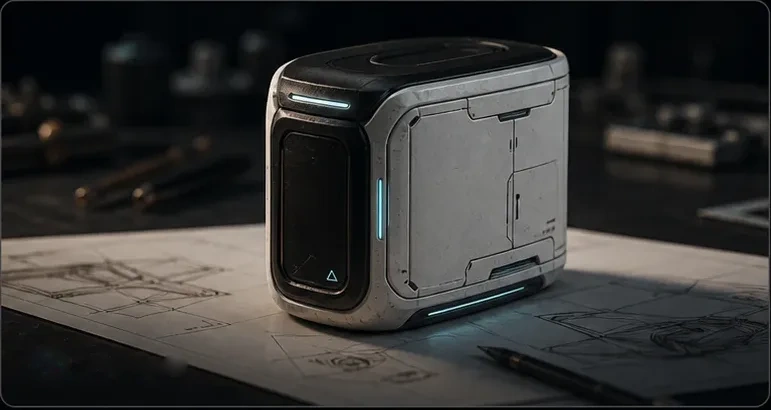
Rapid Prototyping
Move instantly from a quick product sketch to a 3D model that can be refined for prototype work.
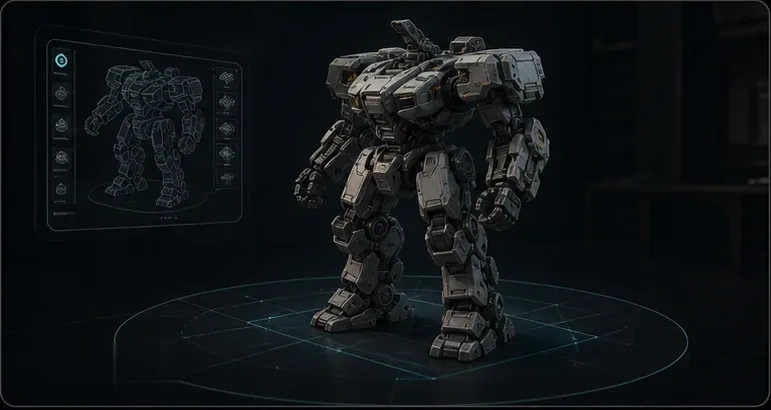
DIY & Cosplay Armor
Turn custom character sketches, jewelry designs, or armor concepts into physical 3D-printable parts.
Image to STL Guide for Cleaner 3D Prints
A better STL starts with the right source image, a clear mesh, and a quick check before slicing.
An image to STL workflow estimates 3D shape from a 2D reference, builds a mesh, then exports the geometry as an STL file. For photos and sketches, AI reconstruction can create fuller 3D forms than a simple heightmap. For logos or flat art, the result may behave more like relief, embossing, or extrusion.
- Image analysis reads the subject, silhouette, contrast, and visible depth cues.
- Mesh generation creates printable geometry that can be previewed before export.
- STL export prepares the model for slicers, 3D printers, and cleanup tools.
Clear single-object images usually produce the best image to STL results. Use a centered subject, strong lighting, visible edges, and a simple background. JPG, PNG, JPEG, and WebP files work well when the object shape is easy to separate from the scene.
- Best: product photos, toy references, character concepts, props, sketches, and simple part photos.
- Risky: thin wires, transparent objects, reflective surfaces, low-contrast photos, and busy backgrounds.
- For logos, icons, and QR codes, a dedicated relief or extrusion workflow may be more predictable.
Image to STL is useful beyond generic 3D model generation. Makers use it to turn photos and drawings into starting meshes for physical objects, then refine details before printing.
- Logo to STL signs, embossed nameplates, keychains, plaques, and simple brand assets.
- Lithophane-style photo reliefs, terrain relief models, tabletop accessories, and miniature props.
- Replacement part references, product sketches, jewelry concepts, cosplay armor, and prototype shells.
After downloading an STL, inspect the mesh before printing. STL files store geometry only, so scale, wall thickness, orientation, supports, and material settings should be checked in your slicer or modeling tool.
- Open the file in Cura, PrusaSlicer, Bambu Studio, or another slicer to check scale and supports.
- Use Blender, Meshmixer, Fusion 360, or Tinkercad for cleanup, hollowing, smoothing, or edits.
- Watch for non-manifold edges, parts that are too thin, disconnected pieces, and missing flat bases.
Image to STL pricing
Credit packs for STL-ready models, prototypes, and batch experiments.
Starter
800 Credits
~$1.24 per 100 credits
- Credits valid for up to 1 year
- Commercial license
- Access to all AI models
- No subscription required
Pro Standard
3,000 Credits
~$1.00 per 100 credits
- Credits valid for up to 1 year
- Commercial license
- Access to all AI models
- Priority customer support
- No subscription required
Max Value
8,000 Credits
~$0.87 per 100 credits
- Credits valid for up to 1 year
- Commercial license
- Access to all AI models
- Priority customer support
- No subscription required
Image to STL FAQ
Is this image to STL converter free?
How do I turn an image into an STL file?
Can I convert JPG or PNG to STL?
Does every image become a perfect printable STL?
Can I use this for photo to STL or picture to STL?
Can I use PNG or JPG files?
Is this different from basic image to STL tools?
Which formats can I use after generation?
Are the generated STL files ready for 3D printing?
Can I use the generated STL models for commercial purposes?
Ready to turn an image into an STL-ready model?
Turn a visual reference into a printable starting point.